Vendor Registration Process
Last Updated: 1 May 2025
——————————————————————————————————-

- Access Registration Screen
From the Home screen (https://mindloungeshop.com), click ‘Login’ at the top of the page.

At the Register section on the right, click on the ‘Become a Vendor’ link at the bottom.

Enter your company or business email address. A verification code will be automatically sent to the email. Input the code into the field provided.
Enter your Store Name, account Password, and confirm Password.
Click ‘REGISTER’.

Vendor account successfully created. Click on the ‘Login’ button again at the top of the screen.

- Store Setup
The setup wizard will quickly guide you through configuring the basic settings of your store.
Click on ‘Let’s go!’ button to proceed. If for any reason you are unable to perform the setup at the moment, click on ‘Not right now’ to skip.
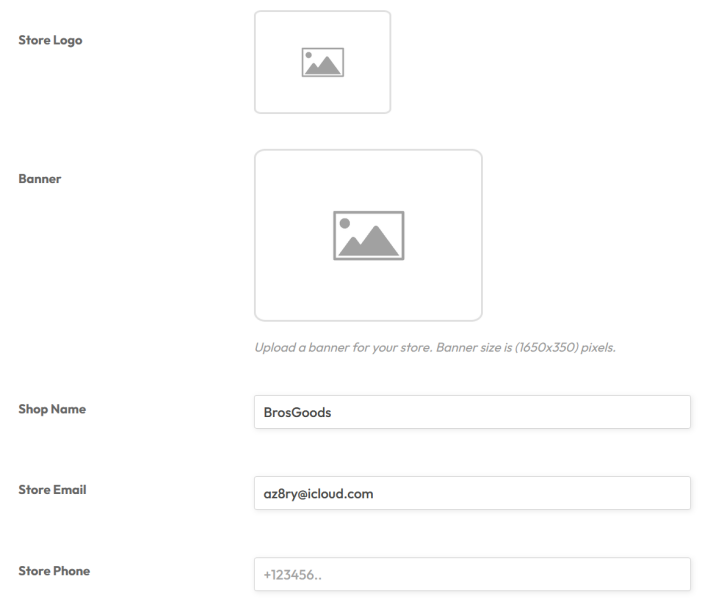
Add the basic information such as:
- Store Logo
- Banner (1650 x 350) pixels
- Shop Name
- Store Email
- Store Phone
- Shop Description (displayed on your shop page)

Click ‘Continue’ button.

Select preferred payment method. Current selections either PayPal or Stripe.
Click ‘Continue’ button after selection.


Setup your store’s policies:
- Shipping Policy
- Refund Policy
- Cancellation/Return/Exchange Policy
Click ‘Continue’ button.

Add support contact information, and click ‘Continue’ button.

Setup your SEO details (if available). Click ‘Continue’ button.

Setup social media details (if available). Click ‘Continue’ button.
Store Setup completed. Click on ‘Let’s go to the Dashboard’ button to continue to the Store Manager screen.

3. Store Manager
The Store Manager is your personal dashboard to configure, setup, and manage your store operations on the marketplace.
- Home – shop dashboard
- Media – media manager
- Products – add new and manage all store products
- Orders – manage all store orders
- Payments – track all payments from customers
- Coupons – create and manage store coupons
- Customers – add and manage customer profiles
- Refund – manage store refunds requests
- Add to My Store – import products from other vendors
- Settings – manage various other store settings
- Ledger Book – track earnings
- Reports – view various sales reports
- Reviews – view product reviews
- Support – view support tickets
- Followers – view followers list
- Logout – logout of the marketplace
——————————————————